
INTRODUCTION
Welcome to my StudioCut Review , In this post , you will learn exactly what this app does including the quick demo video , what you are getting inside , the front-end price , upgrades and different bonuses that are included . This is to enable you make better decision about purchasing this app .
If this is your first time visiting this website , My name is Armstrong and I help online business owners grow or scale their business through my software recommendations and reviews on this website . If that is you , you are welcomed , Feel free to join my mailing list below for futher updates and best deals on softwares.
You must have known by now that video marketing remains a proven way to generate more leads, and make more sales of your offers or products ,but most AI video creators tools out there Gives you Raw Clips and leaving you with the task of editing , stitching the clips together , adding captions , sourcing voiceover , syncing music etc and all of these usually take your time.
StudioCut has been launched and expected to here to take care of those painponts . It is built on what the creators call AIEdit™ technology, it handles scripting, scene planning, visuals, voiceover, captions, and music in one pass. If you’ve been burned by AI video tools that leave you doing the hard part anyway, this review breaks down whether StudioCut actually solves that problem or not .
Let’s get started
WHAT IS STUDIOCUT ?
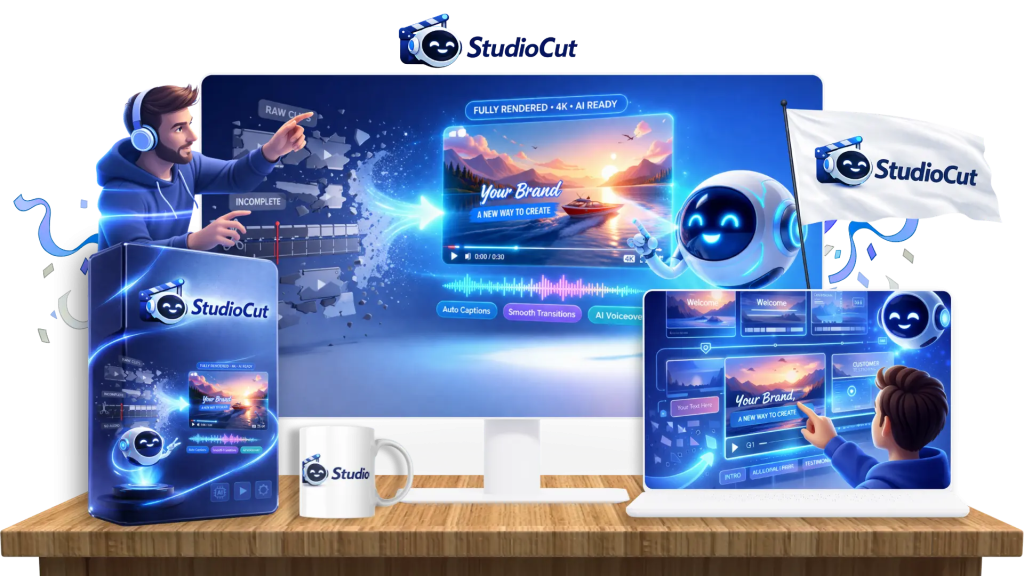
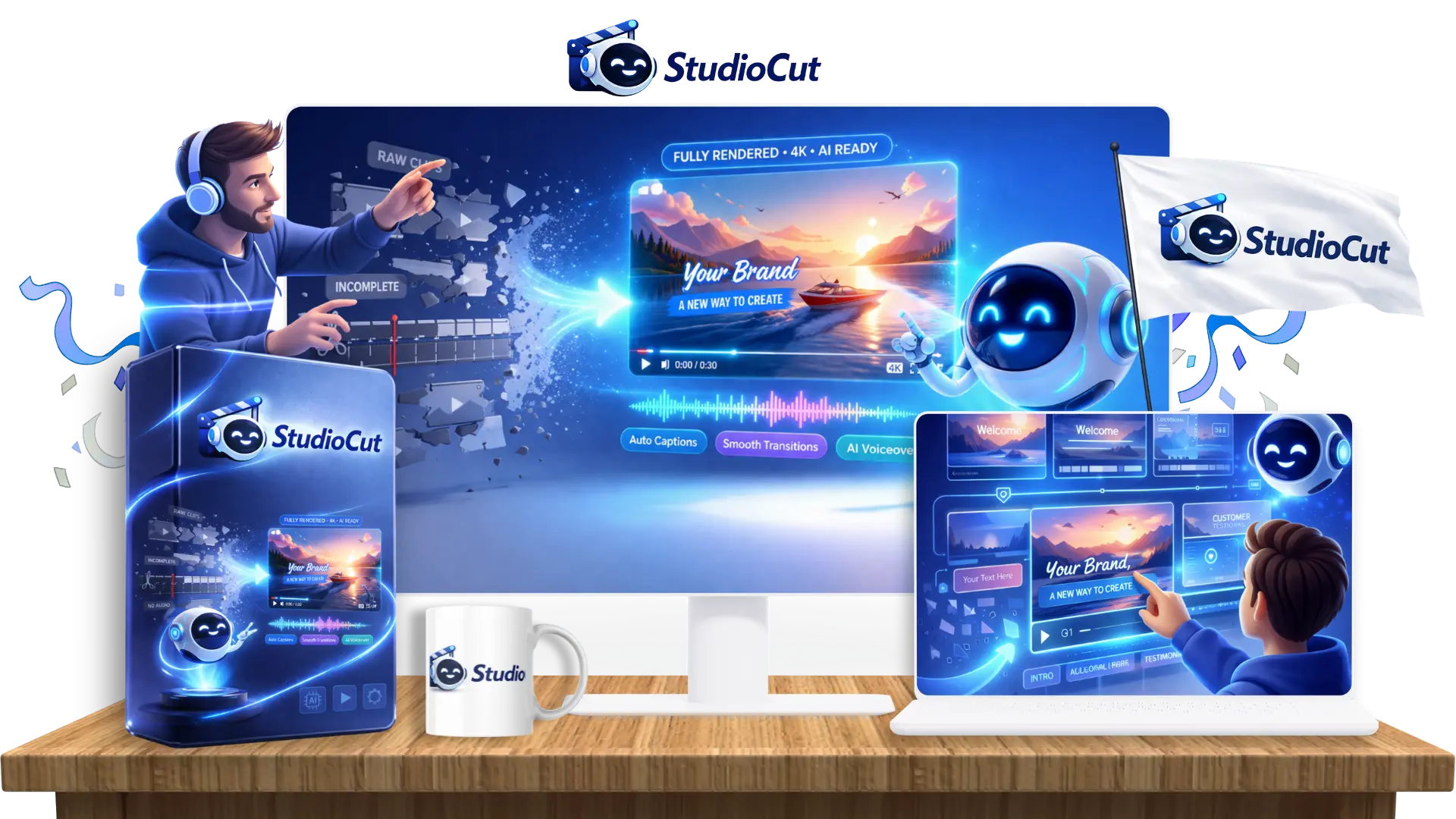
StudioCut is a browser-based AI video creation platform that turns a prompt, product URL, blog post, script, or uploaded media into a complete, edited video — text overlays, transitions, animations, background music, and AI voiceover included — in under a minute.
The core pitch is simple: most AI video tools (Runway, Kling, Pika, and similar) generate short clips. That’s it. You’re still on the hook for writing a script, sourcing voiceover, adding captions, syncing music, and stitching it all together in a separate editor. StudioCut is positioned to remove that second half of the job entirely, using what it calls AIEdit™ technology — an AI editing layer that plans and assembles the full video, not just the raw footage.
DEMO VIDEO
For a better understanding , Please see the Demo video below
How StudioCut Works (3 Steps)
Based on the workflow StudioCut walks you through:
Step 1 — Add Your Input. You give it something to work with: a URL, a blog post, a rough idea, a script, or your own uploaded images/video.
Step 2 — AI Builds The Video. StudioCut plans a storyboard, generates the needed visuals and voice, and assembles the scenes with transitions, captions, and music — without you touching an editing timeline.
Step 3 — Review, Tweak, or Publish. You get scene-level control if you want to adjust something specific, or you can skip that entirely and export the finished video. The core promise is that step 2 does the work every other AI video tool leaves for you to do manually.
Does this sounds like something valuable and worth getting access to ? Then click on the link below to Visit the Official Website and Take action
CLICK HERE TO GET ACCESS TO STUDIOCUT
WHAT YOU ARE GETTING INSIDE ( KEY FEATURES BREAKDOWN)
Rather than list every single feature StudioCut comes with, it’s easier to understand the product in four clusters:
AI Video Creation – This is the core engine — AIEdit™ technology, a multi-phase production pipeline (planning, asset creation, scene design, rendering, publishing prep), an AI storyboard builder, and scene-level editing controls that let you tweak individual scenes without touching timeline-based editing software.
AI Content Generation – Covers the “raw materials” of a video — automated script generation, AI voiceover with adjustable tone and delivery, background music automation, and a scene-based visual composer that assembles overlays and transitions automatically.
Content Repurposing -This is where StudioCut tries to earn its keep beyond novelty. You can turn a blog post, a product URL, or a tutorial outline directly into a finished video, which matters if you’re already sitting on written content and want a fast way to convert it into video without starting from scratch.
Auto Publishing & Optimization – Includes multi-format export (sized correctly for YouTube, Reels, Shorts, TikTok, etc.), multi-language video creation, and automatically generated SEO titles, descriptions, and thumbnails.
WHY YOU NEED STUDIOCUT
Studiocut that doesn’t just generate raw AI video clips just like every other AI video ceators out there — it delivers a completely finished, cinematic, ready-to-post video in under 60 seconds. This saves you the time you would have spent on editing , putting the clips together , sourcing for good voiceeover etc . The best part is that you are only getting it for a low one-time fee of $37 during the launch period . StudioCut also gives you the power to customize every scene — something no other AI video tool offers at this level.
CLICK HERE TO GET ACCESS TO STUDIOCUT
Pros & Cons
Pros:
- Delivers a genuinely finished video (captions, music, voiceover, transitions) rather than a raw clip
- Scene-level editing means you’re not stuck regenerating an entire video over one bad scene
- Multiple input types (URL, blog, script, prompt, media upload) make it flexible for repurposing existing content
- Commercial license on the front-end offer means you can legally sell the videos you create
- One-time pricing model (at least during launch) instead of a recurring monthly subscription
Cons:
- As a newly launched product, there’s no long track record yet — most available feedback comes from a beta pool (200+ users), not years of public use
- AI-generated voiceover and visuals, even at their best, may still need a human polish pass for high-stakes client work
- Front-end plan comes with usage limits (video length, generation count, input types) — heavier users will likely need to look at the upgraded tiers to avoid hitting a ceiling quickly
Who Should (and Shouldn’t) Use StudioCut
Good fit for:
- Digital marketers who need ad creatives and promo videos on a regular cadence
- E-commerce sellers who want product demo videos without hiring a videographer
- Affiliate marketers producing review and comparison content
- Content creators trying to stay consistent across platforms without burning hours editing
- Freelancers and small agencies wanting to add video as a paid service without hiring an editor
- Coaches and course creators converting existing lessons into video content
Possibly not a fit for:
- Anyone needing highly custom, long-form cinematic production (film, documentary-style work) beyond what an AI-assisted workflow is realistically built for
- Teams that already have an established, fully custom video production pipeline and aren’t looking to change it
- Users who need pixel-perfect brand control on every element without any AI-generated component
PRICE AND UPGRADES
StudioCut is sold through a typical front-end-plus-upgrades structure. Here’s what each tier includes:
| Tier | Price | What It’s For |
| StudioCut (Front-End) | $37 one-time | Core AIEdit™ video creation, commercial license, standard limits on video length/generations |
| OTO 1 — StudioCut Pro | $67 one-time | Longer videos, more generations, premium ElevenLabs voices, expanded language support, brand kit integration, SEO/publishing optimization |
| OTO 2 — StudioCut Agency | $97 one-time | Higher usage limits, team member access, done-for-you agency website, client proposal/contract templates, ad creative suites |
| OTO 3 — StudioCut Reseller | $197 one-time | License to resell StudioCut itself and earn commission on referred sales, with product delivery and support handled by the StudioCut team |
Bought separately, that’s four individual purchases and four individual checkout decisions — which is exactly what the bundle deal below is designed to simplify
StudioCut Bundle Deal — Everything In One Purchase
If you know you want more than just the front-end plan, StudioCut is also offering a complete bundle during launch that includes everything — front-end, Pro, Agency, and Reseller — in a single purchase.
Bundle Price: $247 One-Time
That’s the entire funnel — core video creation, the Pro upgrade’s expanded limits and premium voices, the Agency tier’s team and done-for-you business assets, and the Reseller license’s commission structure — unlocked in one transaction instead of four separate ones.
For anyone who already knows they want to use StudioCut commercially (selling videos, running an agency, or reselling the software itself), the bundle is the more efficient route: one checkout, one price, full access, instead of stacking upgrade decisions one at a time through the funnel.
Get The Complete StudioCut Bundle For $247
CONCLUSION
Thanks for your time . Having seen the demo video of this app? Do you think it is worth getting access? I advise that You can try it out within 30 days to see if it is for you or not .Remember that your purchase is backed by a 30 day s money back guarantee . If it does not deliver what it promises within this period , just feel free to request a refund
CLICK HERE TO GET ACCESS TO STUDIOCUT
About Author
